
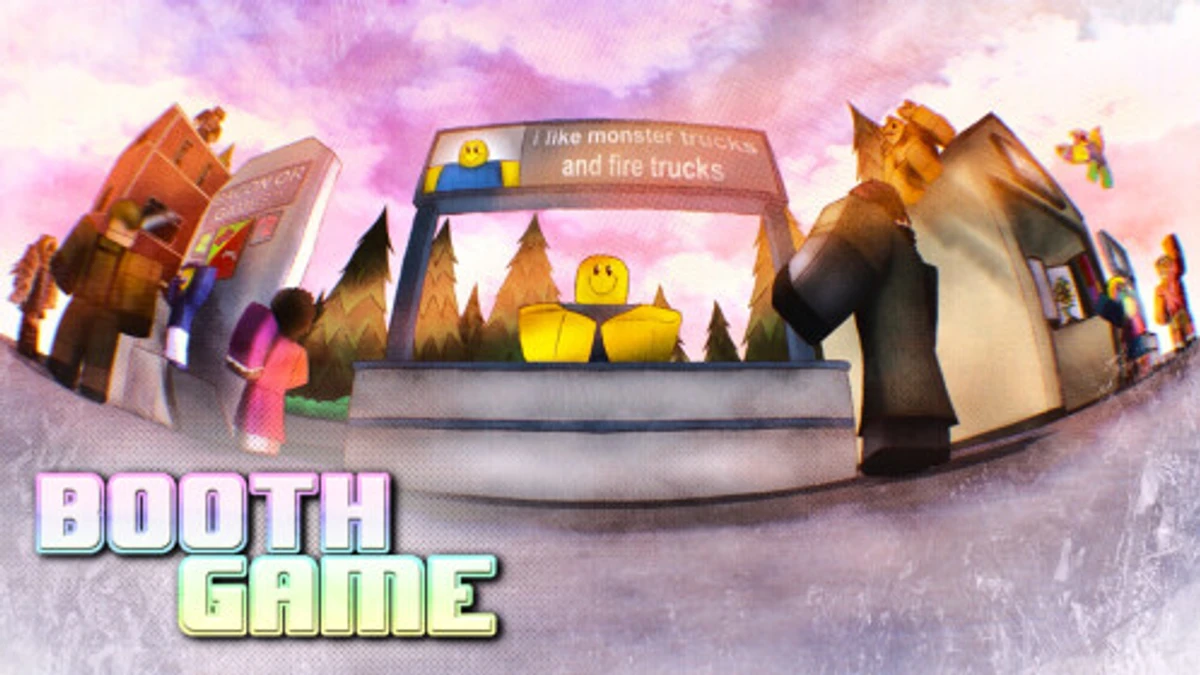
Booth Game Codes September 2026
by Booth Game · Spins & RNG
Booth Game hands out free codes every time the developers hit a milestone, and right now there is a decent pile waiting. 1 code currently redeem; the other 53 have expired but stay listed so you do not retype them. If one is rejected, rejoin a fresh server and try again before writing it off.
Advertisement
All active Booth Game codes (32)
Tap or click any code card to copy it, then paste it into the in-game redemption box.
Advertisement
free in-game reward
Added 2025-04-21
free in-game reward
Added 2025-04-21
free in-game reward
Added 2025-04-21
free in-game reward
Added 2025-04-12
free in-game reward
Added 2025-02-17
free in-game reward
Added 2024-12-17
free in-game reward
Added 2024-12-09
free in-game reward
Added 2024-12-02
free in-game reward
Added 2024-11-19
free in-game reward
Added 2024-11-01
65 Minutes Boost
Added 2024-09-22
60 Minutes Boost
Added 2024-06-16
42 Minute Boost
Added 2024-04-26
30 Minutes Boost
Added 2024-02-17
40 Minutes Boost
Added 2023-12-21
60 Minutes Boost
Added 2023-12-08
35 Minutes Boost
Added 2023-11-08
30 Minutes Boost
Added 2023-10-29
40 Minutes Boost
Added 2023-10-01
40 Minutes Boost
Added 2023-10-01
30 Minutes Boost
Added 2023-09-13
30 Minutes Boost
Added 2023-09-13
30 Minutes Boost
Added 2023-07-06
35 Minutes Boost
Added 2023-06-27
60 Minutes Boost
Added 2023-06-27
25 Minutes Boost
Added 2023-05-26
20 Minutes Boost
Added 2023-04-02
70 Minutes Boost
Added 2023-03-31
45 Minutes Boost
Added 2023-03-17
20 Minutes Boost
Added 2023-03-17
30 Minutes Boost
Added 2023-03-13
35 Minutes Boost
Added 2023-03-13
Advertisement
How to redeem codes in Booth Game
Redeeming is quick — just follow these steps and the reward lands straight away.
- Launch Booth Game.
- Click the Settings icon at the top right.
- Find the Code box and click it.
- Type your code exactly as shown.
- Press enter or click the redeem button to claim your reward.
Advertisement
Why your Booth Game codes are not working
- Typos. Use the copy button rather than retyping — one wrong character is enough to fail.
- Capital letters count. Most codes are case sensitive, and a trailing space breaks them too.
- It expired. Anything in the archive below is dead for good — no amount of retrying brings it back.
- Fresh code, old server. A brand new code sometimes needs a server restart. Leave, rejoin and try again.
Advertisement
When new Booth Game codes are released
Booth Game does not publish a fixed schedule, but codes for games like Booth Game tend to appear around four moments: a major update or patch, a like or visit milestone, a holiday or in-game event, and as an apology after downtime or a serious bug. Following the official channels above is the fastest way to catch them.
Advertisement
Expired Booth Game codes
Kept for reference — these no longer redeem.
30 Minutes Boost
Added 2023-02-23
30 Minutes Boost
Added 2023-02-23
30 Minutes Boost
Added 2023-02-16
30 Minutes Boost
Added 2023-02-09
30 Minutes Boost
Added 2023-02-09
30 Minutes Boost
Added 2023-01-31
30 Minutes Boost
Added 2023-01-20
30 Minutes Boost
Added 2023-01-13
20 Minutes Boost
Added 2023-01-13
45 Minutes Boost
Added 2023-01-10
30 Minutes Boost
Added 2023-01-02
30 Minutes Boost
Added 2023-01-02
30 Minutes Boost
Added 2022-12-31
Christmas 2022 Reward
Added 2022-12-31
30 Minutes Boost
Added 2022-12-31
30 Minutes Boost
Added 2022-12-31
Code status is checked and maintained by the BloxRant team.
 ZOぞ Codes
 Zombie Uprising Codes
 World of Stands Codes
 Weapon Fighting Simulator Codes